If for whatever reason your ls command is no longer showing colored directories and looks like so:
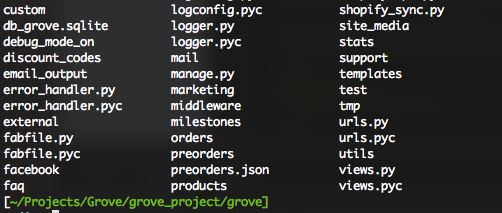
Check the output of echo $TERM
$>echo $TERM
xterm-256color
It should be xterm-color
Mine was xterm-256color — probably set when my graphics card bugged out.
Edit your terminal config file (mine is bash, so ~/.bash_profile or ~/.bashrc) and add export TERM=xterm-color somewhere (or just enter into your bash shell for temporary results).
$>export TERM=xterm-color
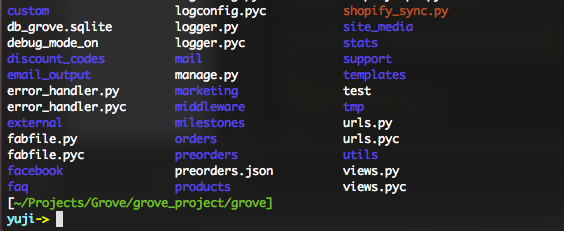
After setting TERM to xterm-color, my directories look like they used to:
 Yuji Tomita
Brilliant! This had been bothering me for some time and I’d nearly given up on it. Now colour is back in my life – thanks so much for the tip.
Hey Andrew,
Glad it helped! It drove me insane, I could not put it off…