If your PNG transparency in Internet Explorer is looking like this:

The fix is to use a non 1×1 transparent image.
I changed mine to 100×100 and the problem was solved.
I’ve read accounts of 5×5 working as well.
Yuji's Increasingly Infrequent Ramblings
If your PNG transparency in Internet Explorer is looking like this:
The fix is to use a non 1×1 transparent image.
I changed mine to 100×100 and the problem was solved.
I’ve read accounts of 5×5 working as well.
Got this delicious error today.
AttributeError: ‘ReturnAdmin’ object has no attribute ‘__name__’
Turns out that you can’t use the ForeignKey traversing syntax used everywhere in Django for ModelAdmin list_display
list_display = ('my_fk__blah',)
Will throw this mysterious error.
I had read this functionality in the docs, but couldn’t find it with my googlefu.
Update: I couldn’t find my own post via my googlefu when I needed it again so I will insert some useful keywords here: Django Self Reference Field
For future reference, it’s the F object from django.db.models
Syntax:
Model.objects.filter(some_field=F('other_field'))
This would filter for models where some_field is equal to other_field in the same instance.
Type in terminal:
defaults write com.apple.finder _FXShowPosixPathInTitle -bool YES
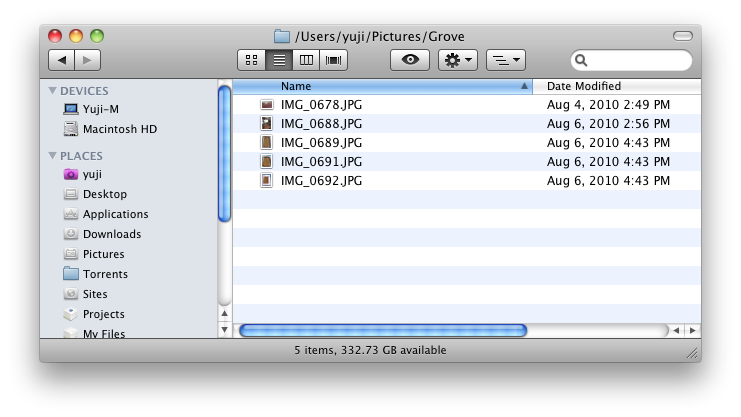
Please let me know if you have a better solution:
target = 'Some Thing'

items = ['Some','Thing']

all(map(lambda x: x in target, items))
Hilarious article on how the british are being told to handle visitors of various foreign cultures.
Daniel gets quoted on some Argentine specific gotchas nobody was aware of.
“Don’t pour wine (for an Argentinean). The whole process has a number of social taboos and unless you understand them you could insult someone. For example, pouring wine backwards into a glass indicates hostility.”
More fun stuff…
He may be smiling. Don’t be fooled. If he’s Japanese that doesn’t mean he’s happy.
Stop snapping your fingers (Belgians).
Don’t wink (Hong Kong again).
Don’t say thank you (Chinese).
Quite a funny read..
A new writeup for Anuva Wines!
I’ve actually been launching Photoshop here and there to get my color picker (ridiculous, I know), or if I manage to remember, preview + color picker.
It’s time to set up a real hex color picker.
First, let’s make the color picker an executable app.
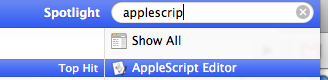
Push CMD + Space, and run AppleScript Editor
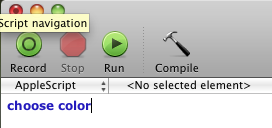
In the window that appears, type in “choose color”.
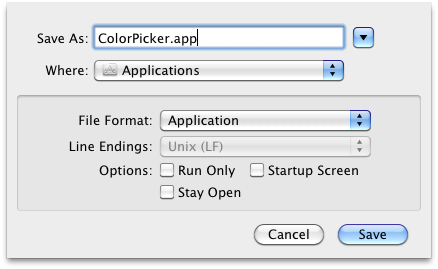
Save it as an app in the “file format” field, and name it what you’d like.
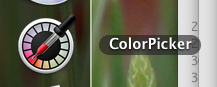
Now I’d go ahead and give it the icon of the Digital Color Meter and throw it on the dock:
Install HexColorPicker
Download file at http://wafflesoftware.net/hexpicker/
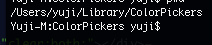
and move the HexColorPicker.colorPicker to your ~/Library/ColorPickers
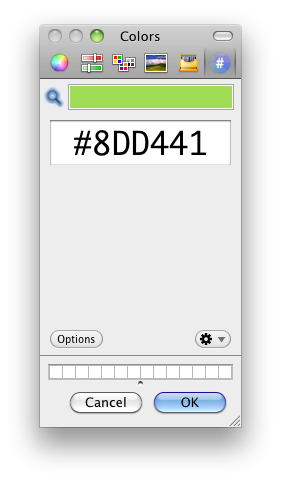
You’re done — start the app and look at your shiny new tab on the right.
I was getting this error when I was storing a UTF8 pickle in a database text field.
I fixed it by base64.b64encode(pickle.dumps(blah)), and saving that to the DB.

The mac has a drag release delay on the touchpad.
Say you start to drag a file via tap+tap hold drag: pretty standard.
As soon as you release though, you notice the window is still attached to the pointer. No, you don’t have drag lock enabled (er, you might), you have some built in “feature” to keep the window attached even when your hand goes off the touchpad.
This can be useful but for me just messes with my workflow since it’s hard to predict.
Luckily, BetterTouchTool takes care of this, along with MANY other awesome features missing from the OS, including windows 7 window resizing, custom gestures (I have my 4 finger swipe moving spaces).
More on BetterTouchTool here:
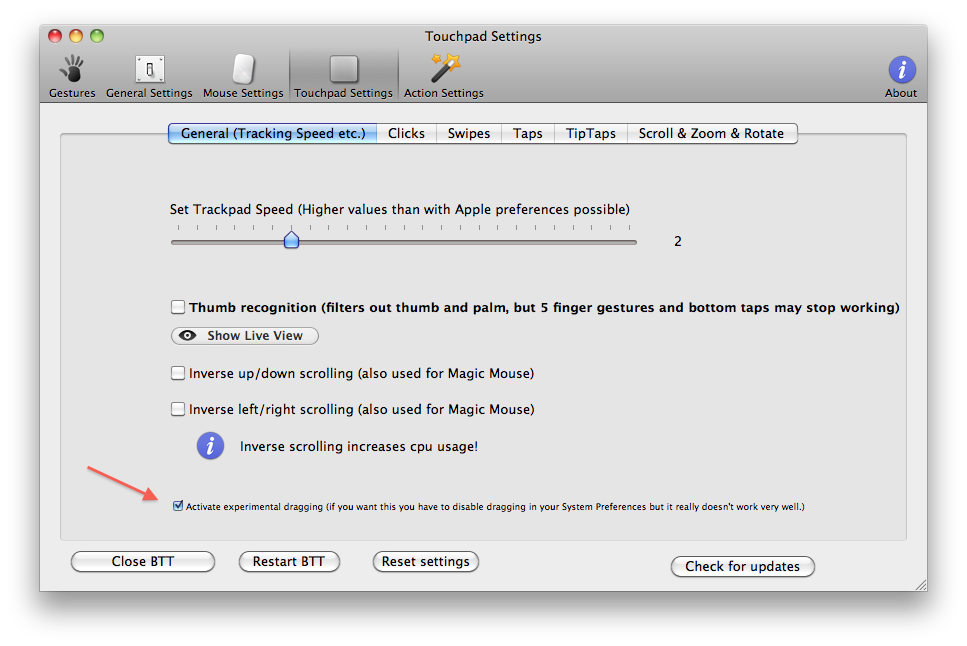
Install BetterTouchTool and navigate to its preference panel.
Go to the touchpad settings, and in the general tab, click the experimental drag button.
Let me know if it helped!
 Yuji Tomita