Finder 100% CPU Usage (or 80%)

Mine was solved by going to Finder, CMD+J, then disabling “Show Icon Preview”.

That let me know some kind of thumbnail generation was failing, and since this was a new problem, I started looking at recent files on my desktop. One of them did not have a preview. I deleted that, and my fans immediately turned off.

I don’t know what file it was, but apparently it was stuck on it…

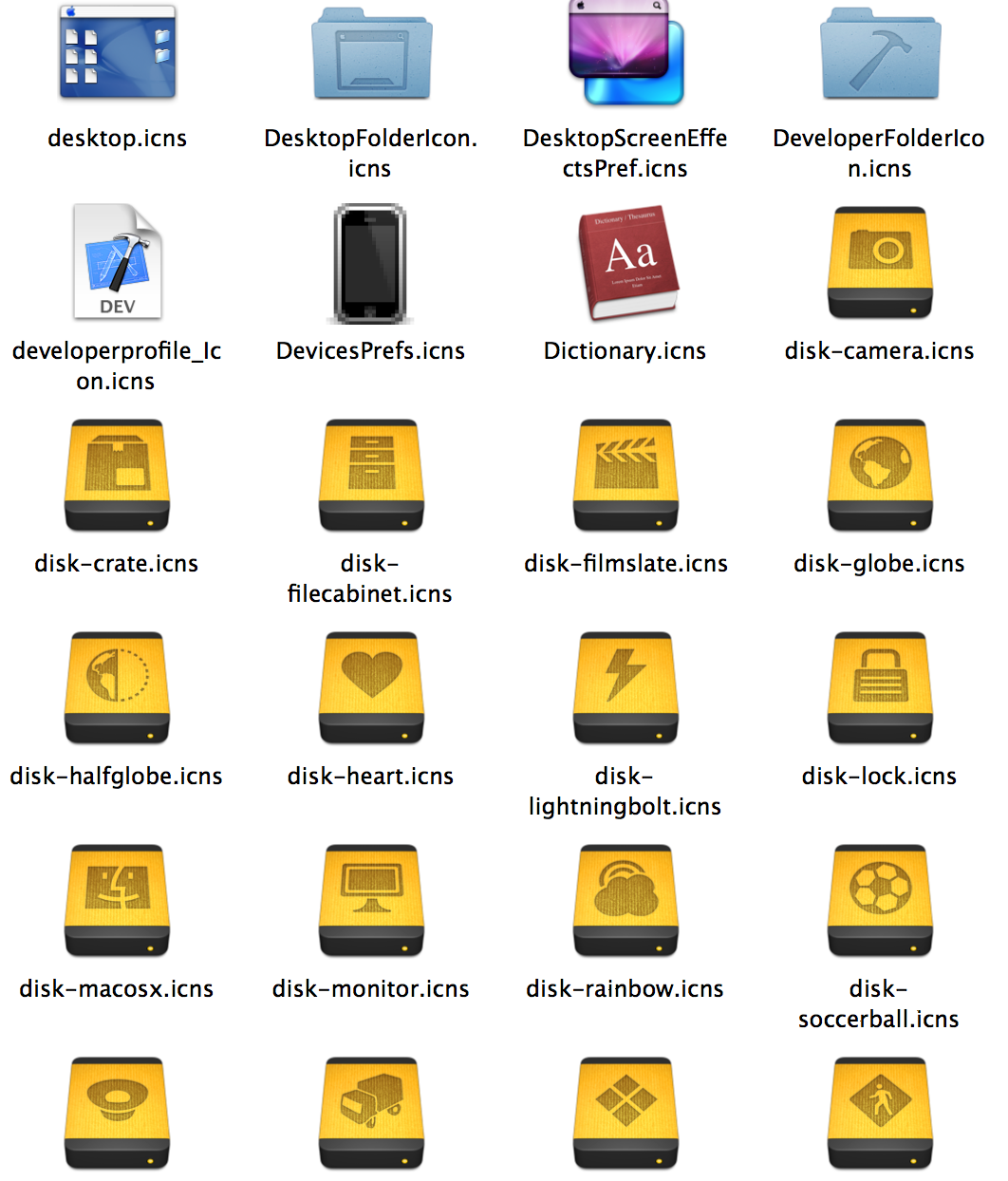
Find all OSX icons and put them in a folder.

First, set up the locate command. (it will give you instructions).

Wait while the database gets finished (just walk away for 10 mins)

Now type in a terminal:

$> cp $(locate .icns) /path/to/output/folder/
$> open /path/to/output/folder

There are all 858 icons!

Gmail Security Error

If you can’t get to gmail due to HTTPS errors, make sure your systems date/time is correct, as the certificates are validated against your system time.

Python Mailjet API Example

Here’s a way to get all unsubscribed in your account ever;

I’m having trouble with the fact it starts blocking me after a few “bad requests” trying to remove a contact that’s not in the list, but oh well. This is progress.

def get_all_unsubscribed():
	import mailjet

	api = mailjet.Api()
	list_ids = [x['id'] for x in api.lists.all()['lists']]

	unsubscribed = []

	for list_id in list_ids:
		total_accounted_for = 0
		total_count = api.lists.Contacts(id=list_id, status='unsub')['total_cnt']
		while total_accounted_for < total_count:
			if total_accounted_for:
				result = api.lists.Contacts(id=list_id, status='unsub', start=total_accounted_for)
			else:
				result = api.lists.Contacts(id=list_id, status='unsub')
			print 'found ... results ', len(result['result'])
			if not result['result']:
				print 'found end... @ ', total_accounted_for, total_count
				break
			for u in result['result']:
				unsubscribed.append(u)
			total_accounted_for += len(result['result'])

	return unsubscribed

Linode.com DKIM record gotcha

http://www.designaesthetic.com/2010/12/19/dkim-with-linodes-dns-manager/

deadwalrus says:

The linode guys responded to my ticket. Apparently adding the site.com is a nono. They informed me that their DNS server automatically appends site.com and that having “_domainkey.site.com” messes it up.

So, I changed the entries from “_domainkey.site.com” to “_domainkey” and it worked properly.

This was not a big deal since the linode team responded so quickly – although this is counterintuitive because it relies on a specific unpublished feature of the linode DNS manager. I migrated over from Slicehost and their DNS servers most definitely require that your txt records be entered as “_domainkey.site.com”.

Ahh well. Thanks again.

This is how mine looks for the DKIM TXT entry:

Leave site.com out of the domainkey.

Name: should be selector._domainnkey
Value: should be the unquoted key=value pairs. This is not immediately clear from DKIM “install” instructions on various websites as they tell you it should be a single line record. Linode DNS manager abstracts this a bit, I guess.